
ES-Net
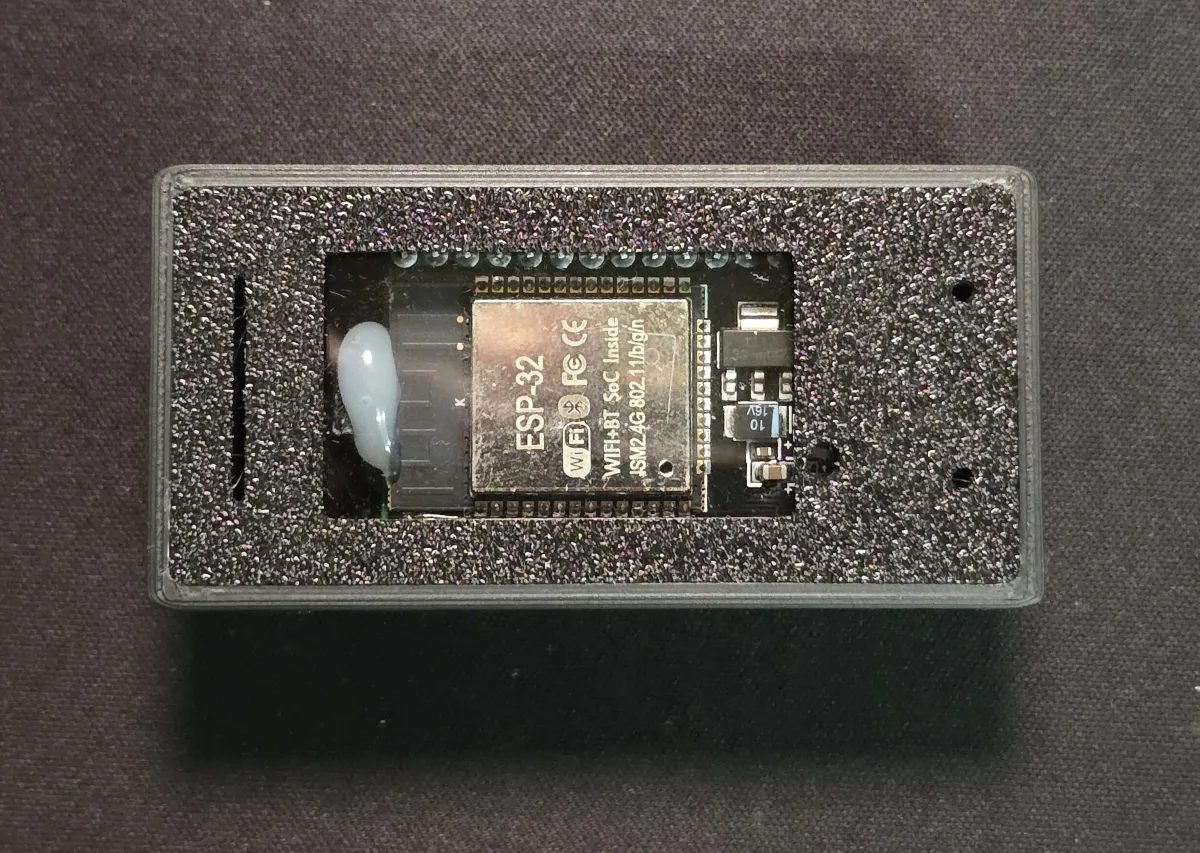
The base model. It has no screen and no buzzer. ES-Net specifications
The ES series is a three-axis MEMS accelerometer seismometer designed by ExpTech. There are two models, ES-Net and ES-Pro. The seismometer measures acceleration in three directions 50 times per second, calculates instrumental seismic intensity on the device, and sends the data back to ExpTech over Wi-Fi. You can also connect it to a computer over USB Type-C and view the waveform in QuakeWatch-Pro.
ES-Net
The base model. It has no screen and no buzzer. ES-Net specifications
ES-Pro
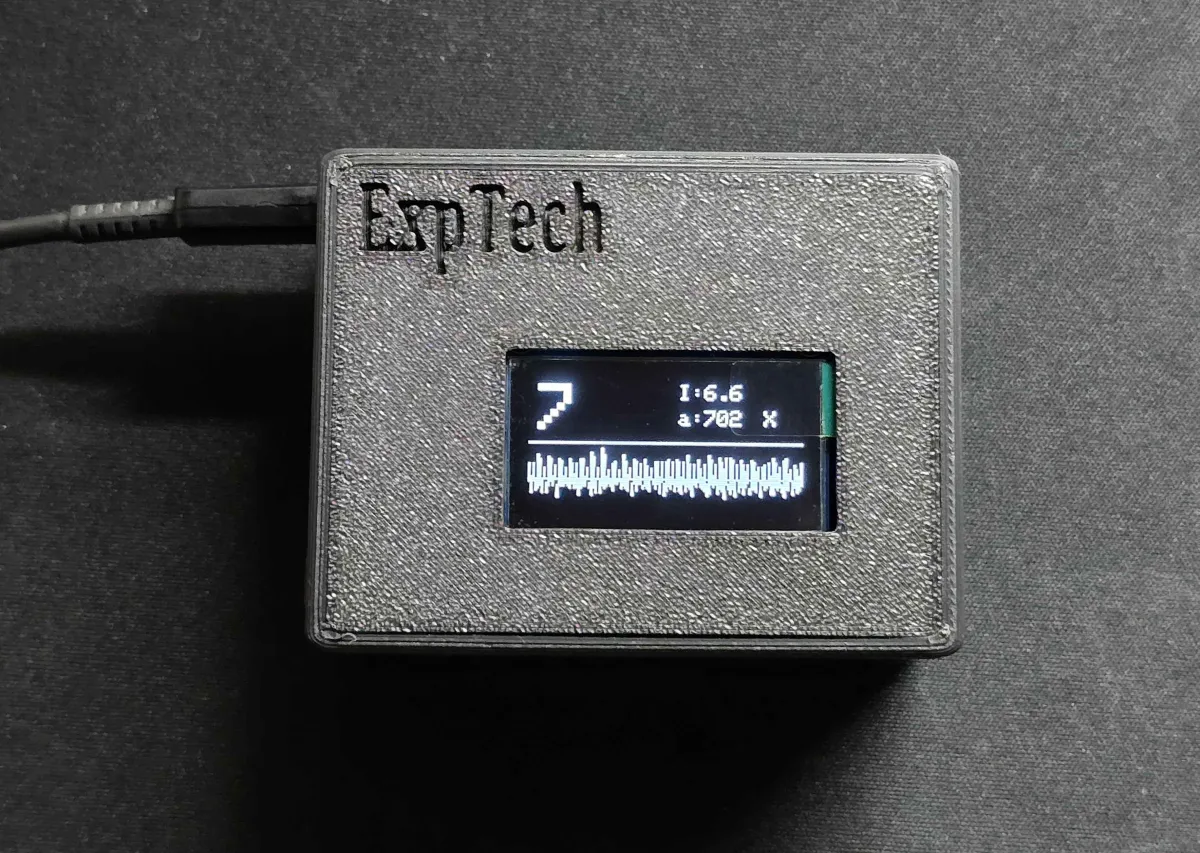
It adds an OLED screen and a buzzer. ES-Pro specifications
| Item | ES-Net | ES-Pro |
|---|---|---|
| Dimensions (L × W × H) | 70 × 35 × 24 mm | 70 × 54.5 × 34 mm |
| Screen | None | OLED (128 × 64). Shows seismic intensity, acceleration, and the waveform |
| Buzzer | None | Yes. It sounds from the seismic intensity this unit measures |
| Sensor | Three-axis MEMS accelerometer, 50 SPS, ±2 g | Same as ES-Net |
| Connection | Wi-Fi 2.4 GHz, Bluetooth (for setup and updates), USB Type-C | Same as ES-Net |
| Power | USB Type-C, 5 V | Same as ES-Net |
| Hardware version | 1.0, 3.0 | 2.0, 3.0 |
Different hardware versions of the same model use the same firmware. The seismometer detects the version when it boots. When you update the firmware, select the correct model (ES-Net or ES-Pro). You do not need to tell the versions apart.
You can choose the mode when you set up Wi-Fi with ExpTech Home. To change it later, set it up again.
| Mode | Wi-Fi | Time sync | Data sent to ExpTech | Use |
|---|---|---|---|---|
| Networked (default) | Connected | Automatic NTP sync | Yes | Join TREM-net |
| Not networked | Connected | Automatic NTP sync | No | Read data over USB yourself, but you need accurate time |
| Standalone | Not connected | No sync | No | No Wi-Fi. Read data over USB only |
For the full steps, see Installation and Wi-Fi setup.